All posts tagged: Razer

Razer’s Clio is a 0 surround sound head cushion

Razer’s Clio is a $230 surround sound head cushion

Powered by a 5,400mAh battery that Razer says is good for up to 14 hours of use, the Clio uses adjustable straps to attach to “most high-back gaming and office chairs” so that it’s positioned directly behind your head. Inside each of the cushion’s angled wings is a near-field speaker that uses a 43-millimeter driver paired with a passive radiator that work together to deliver “crisp, clear trebles and deep, punchy bass you can hear and feel.” The Clio speaker wirelessly connects to Bluetooth-compatible devices like smartphones, tablets, and handheld consoles, but is also compatible with Razer’s HyperSpeed Wireless protocol for a low-latency connection to a gaming PC. Support for THX Spatial Audio creates a more immersive listening experience when using the Clio on its own, but it can be paired with additional desktop speakers and used as a dedicated rear channel as part of a larger 7.1 surround sound setup. The Razer Basilisk Mobile mouse weighs in at 76 grams and “boasts a compact, ergonomic design” designed to slip into pockets or squeeze into …

Razer Blade 16 (2025) review: ultra settings on an ultra-thin laptop for an ultra-high price

Razer Blade 16 (2025) review: ultra settings on an ultra-thin laptop for an ultra-high price

Few gaming laptops stand out like Razer’s Blades. They’ve long been the gaming alternative to the MacBook Pro: sleek, powerful, and grown-up looking, without the bulk and garish stylings of most gaming laptops. But cramming powerful graphics cards into slim confines means Blade laptops have a tendency to run hot, get loud, and carry ridiculous price tags. So you’d be excused for feeling anxious that the 2025 Blade 16, which offers Nvidia’s most powerful laptop GPU, is 30 percent thinner and significantly lighter than its predecessor. In my initial testing, it only seemed a little more powerful than the 4090 Blade it replaces. But now I’ve used it much more extensively. I’ve even tested it against cheaper, thicker RTX 5080 laptops with more cooling capacity, which are the better buy if you’re focused squarely on gaming performance. However, nothing quite matches the Blade 16’s balance of top-end specs, thin chassis with all-black aesthetics, and a lovely OLED screen I’d happily stare at all day. $4900 The Good Great fit, finish, and build Slim and sleek …

Razer has quietly un-paused some laptop sales

Razer has quietly un-paused some laptop sales

In what seemed like a response to ongoing tariff tumult, the US Razer site had quietly pulled its Blade laptops from direct sales, including its new Blade 16 with Nvidia’s 50-series GPUs. Things seemed normal in other regions like Canada. But even after a week of paused sales and Reddit posts discussing Blade 16 preorders getting held up in US Customs, however, Razer never responded to The Verge’s inquiries about what’s going on. Now, some configurations of the 2025 Blade 16 have reappeared for US residents, though not all Blade laptops have returned to Razer’s US online store. Before the sales pause, there were still 2024 Blade 16 models available, as well as preorders for the Blade 18. Now, those are nowhere to be seen for US customers. Also, the 2025 Blade 16 is only available for immediate purchase with the RTX 5080 GPU. The entry-level RTX 5070 Ti and flagship RTX 5090 configurations are only listed with “notify me” buttons. And even more curious: the 5090 config is limited to 64GB of RAM and …

Razer PC Remote Play for Streaming Games to Mobile Devices and Windows-Based Handhelds Launched

Razer PC Remote Play for Streaming Games to Mobile Devices and Windows-Based Handhelds Launched

Gaming company Razer announced the official launch of the Razer PC Remote Play platform on Thursday. First announced at the Consumer Electronics Show (CES) 2025 in beta, the platform allows streaming of PC games to mobile devices such as phones and tablets, along with Windows-based handhelds. The company says it takes advantage of the full frame rate and resolution of the mobile device to deliver high-fidelity visuals without issues such as letterboxing or pillarboxing. Razer PC Remote Play Features Razer detailed the features of its new gaming platform in a newsroom post. It has a revamped interface on the Razer Cortex PC, the launcher which features a suite of tools for PC performance enhancement while playing games. It is built on the open-source Moonlight game streaming client based on implementation of Nvidia’s GameStream protocol. This allows users to play and stream games on any supported device from anywhere. The PC Remote Play platform supports games from libraries such as Steam, Epic Games, Xbox PC Game Pass, and more. Gamers can stream games from Windows 10 …

Razer’s PC-to-mobile streaming platform is now available

Razer’s PC-to-mobile streaming platform is now available

Razer has finally launched its platform for streaming PC games to mobile devices at their native screen resolutions, aspect ratios, and refresh rates. Razer PC Remote Play is now available for download on the App Store and Google Play and is compatible with Windows, Apple, and Android mobile devices running at least Windows 11, iOS 18, and Android 14, respectively. Built on the Moonlight streaming client, Razer PC Remote Play requires people to install the Razer Cortex game launcher – which now has a redesigned interface – on their PCs, which is compatible with services like Steam, Epic Games, and Microsoft’s PC Game Pass. Mobile devices will need the Razer Nexus game launcher as well as the new Razer PC Remote Play app installed. Razer PC Remote Play was first announced at CES 2025 and has been in beta. Razer says the launch version of the app now includes the “AV1 video codec for improved quality and lower latency” plus support for the Razer Kishi Ultra and all controllers that are compatible with iOS and …

Razer Blade 16 with RTX 5090: early review impressions and thoughts

Razer Blade 16 with RTX 5090: early review impressions and thoughts

The Razer Blade 16 is designed to be the gaming-focused alternative to the MacBook Pro, and I’m always here for that. I love a gaming laptop that still looks and feels like a somewhat normal laptop, and the new Blade returns to a thinner and lighter chassis design after the last-gen got a bit chunky. The top-end configuration also adopts the new flagship Nvidia RTX 5090 laptop GPU and an even heftier price of $4,499.99 ($200 more than the 4090 model). I’ve spent some time with the new Razer Blade 16, but my first review unit had noticeable hardware issues and was replaced by Nvidia, which provided the Blades for RTX 5090 testing. I’ve only had the replacement unit for a few days, and while it doesn’t exhibit any of the same performance issues or buzzy speakers, it’s had a couple of random bluescreens of its own. I’m in troubleshooting talks with Razer, but while that’s ongoing, I’m still testing this laptop and sizing up my feelings about it. Consider this me posting through it …

Razer Laptop Cooling Pad review: Hyperboost works, if you have the right laptop

Razer Laptop Cooling Pad review: Hyperboost works, if you have the right laptop

Keeping your laptop cool while gaming doesn’t just improve its performance; it also prolongs the life of its components and helps avoid battery bloat, an affliction that becomes more common with age. Razer says its $150 Laptop Cooling Pad works with laptops of any size and will lower CPU and GPU temperatures by up to 18 percent. (It also, naturally, has an RGB strip.) With some Razer gaming laptops, it can go even further. When the cooling pad is connected via USB to a 2023 or 2024 Razer Blade 16, a feature called Hyperboost automatically adjusts fan speed and cooling mode and lets the laptop allocate up to 20 extra watts each to the CPU and GPU. (Razer is bringing Hyperboost to more models over the coming months.) I’ve played around with the Razer Laptop Cooling Pad for the last few weeks, both before and after the Hyperboost update. And while it isn’t quite as impressive as Razer claims, I did notice a significant improvement in 1080p performance in games that were previously held back …

5 Best Webcams for Optimum Video Conferencing Experience

5 Best Webcams for Optimum Video Conferencing Experience

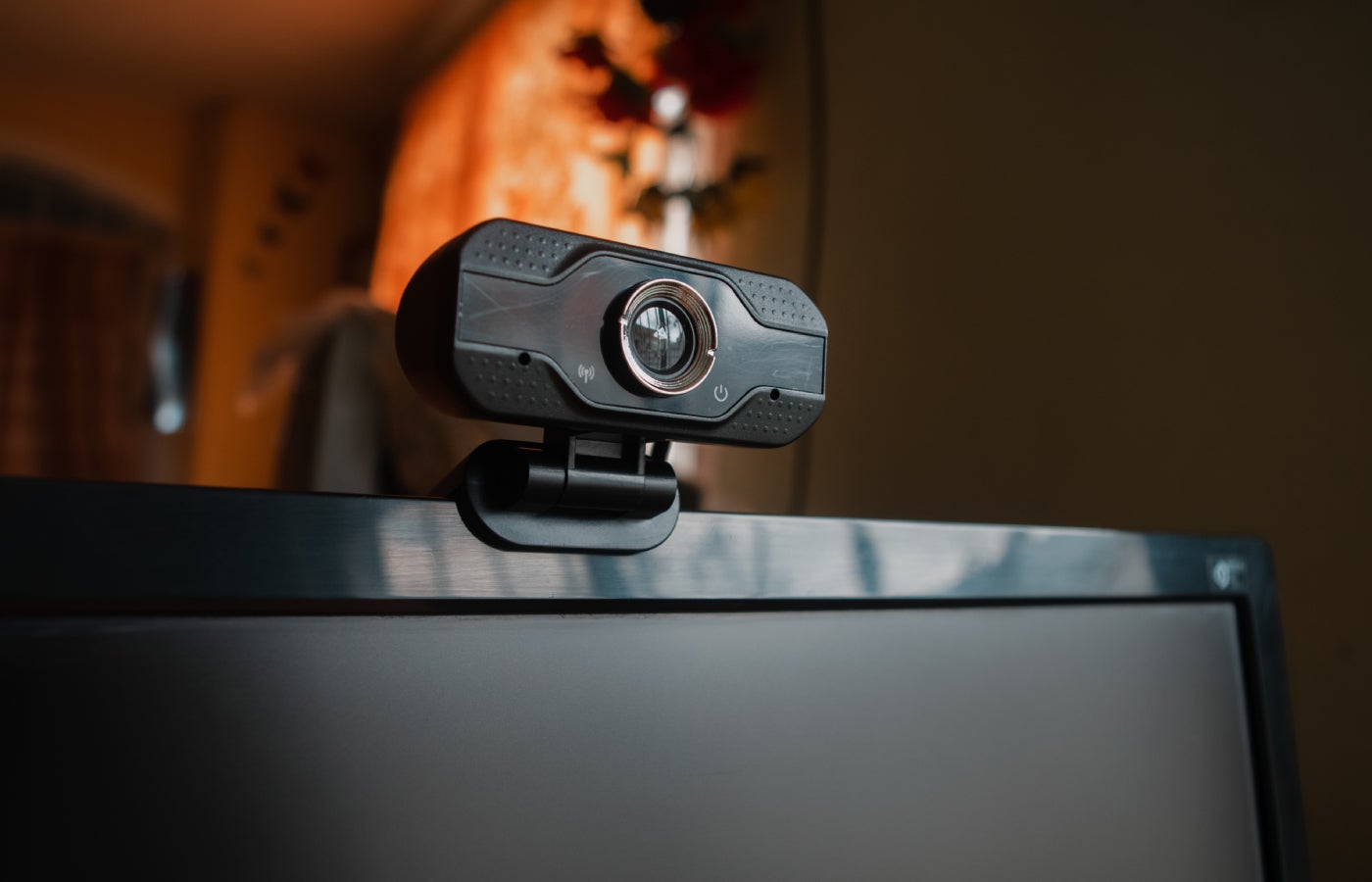
In 2023, 28% of employees worked from home either all or most of the time, while only 10% did in 2019. This transition to remote work has seen video conferencing solutions become crucial, and the market for them is predicted to hit over $2811.56 billion by 2034, according to Precedence Research. Between Zoom, Microsoft Teams, Google Meet, Cisco Webex, and Skype, users have plenty of options for maintaining a virtual face-to-face connection. With video conferencing being the main medium of business communication, having the right equipment is even more important to hosting successful meetings. For those wanting to ensure their meetings run smoothly, check out the following high-quality web cameras. SEE: Home video setup: What you need to look and sound professional (TechRepublic Premium) Logitech BRIO 500: Best overall Image: Logitech Logitech Brio 500 is the best all-around product for business professionals. Not only does the camera produce high-quality video, but it’s also secure, powered by optical and infrared sensors, and equipped with secure facial recognition via Windows Hello and a privacy shutter. It offers …

Razer leans into haptics with a new gaming cushion and vibrating headphones

Razer has released the Freyja gaming cushion, a haptic cushion that you can attach to your gaming chair, the company announced. The cushion is $299.99, and it’s available to buy now. The Freyja is an extension of the vibration you get from gaming controllers — except instead of just jolting your hands, it buzzes several panels positioned behind and beneath you in response to things happening in a game. The company says the cushion’s feedback comes from “multi-directional haptics powered by six advanced haptic motor actuators.” It connects via Bluetooth or through Razer’s HyperSpeed Wireless connection. Most of the time, that vibration will just be converted from the sound in whatever game you’re playing, music you’re listening to, or movie you’re watching. Razer lists Final Fantasy 16, Silent Hill 2, and Stalker 2 as being among the games that integrate the Razer Sensa HD tech that drives the haptics. Razer debuted a “Project Esther” version of the Freyja at CES, where it kicked The Verge’s Sean Hollister’s butt in a demo during the event. At …

Razer puts an OLED in the Blade 16 gaming laptop and bumps the Blade 18 to 4K.

Razer is teasing a major set of display upgrades for the Blade 16 and Blade 18 gaming laptops ahead of a full unveiling of the updated laptops next week at CES. The Blade 16 is getting what Razer says is the world’s first 16-inch 240Hz OLED panel, co-developed with Samsung, while the Blade 18 will get a 165Hz 4K LED panel with G-Sync. Both panels will be Calman Verified and individually factory calibrated. Like the current Blade display options, they’ll show 100 percent of the DCI-P3 gamut. The Blade 16 currently comes with two display options: there’s a dual-mode Mini-LED panel that can either run at 1920 x 1200 at 240Hz or at 4K at 120Hz, or it can come with a 240Hz 2560 x 1600 LED panel. The Blade 18’s panel update is a more straightforward trade of refresh rate for resolution. The current Blade 18 has a 2560 x 1600, 240Hz panel with G-Sync; the upgraded panel increases the resolution to 4K but drops the refresh rate to 165Hz. Pretty good trade, imo. …