All posts tagged: project management

Working to Simplify AI Adoption and Trust

Working to Simplify AI Adoption and Trust

As head of AI at work management platform monday.com, Or Fridman stands at the forefront of an ever-evolving field. As artificial intelligence gradually transforms the workplace and becomes integral to project management tools, Fridman said driving AI innovation can often feel like a race to stay ahead. “It is a race, but it’s a fun race,” he told TechRepublic. For Fridman and monday.com, however, it is important to get the deployment of AI technology right. Their platform is used by 225,000 customers in 200 industries worldwide, often by non-technical teams who leverage monday.com to carry out daily tasks. As he explained, the way AI is rolled out is critical. “What is important for us, and for me personally, is to do it the right way,” Fridman said on the sidelines of the Elevate 2024 conference in Sydney. “But what’s important for us is to actually see people using [AI features] and to remove the barriers from using them.” Making AI user-friendly and seamlessly integrated into workflows After the launch of monday’s AI assistant, which was …
What New Features Should You Expect In 2025?

What New Features Should You Expect In 2025?

monday.com has announced various upcoming features planned for release in 2025, promising users enhanced capabilities and expanded functionality. During its Elevate 2024 stop in Australia, the project management firm previewed a roadmap outlining its plans for artificial intelligence integration and upgrades to its products and platform. Despite its implementation of AI, Dean Swan, monday.com’s vice president and general manager of Asia Pacific and Japan, emphasised a key point in his presentation: AI should elevate rather than replace humans. “If we get out of the mundane, it can take us into a place where we’re doing the more strategic work, the more creative work, the work designed for human beings to do,” he said. monday.com plans to add simple, no-code AI tools Steve Pearce, monday.com’s vice president of product design, said the tech firm’s approach had always been about “giving the power of technology to everyone, whether you’re tech-savvy or not.” With AI having the potential to “dramatically change how we work,” Pearce said monday.com was following a similar approach. SEE: Our 2024 review of monday.com, …

What Is A Kanban Board? A Comprehensive Guide

What Is A Kanban Board? A Comprehensive Guide

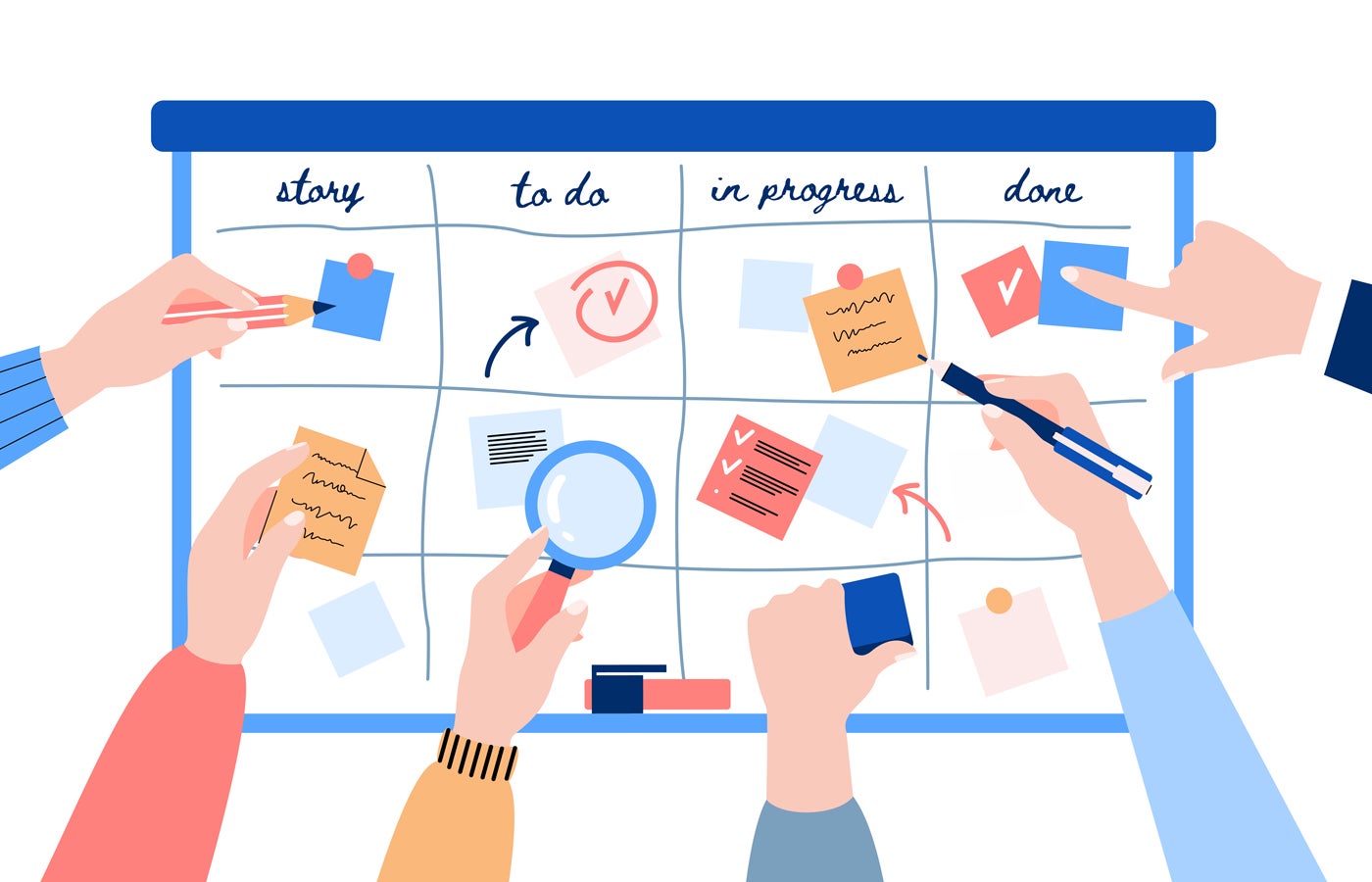
If you’ve ever struggled with managing tasks or projects because you couldn’t effectively monitor progress, you’re not alone. For project managers who require a visual tracking system, a kanban board can help. Kanban is a physical or digital visual board designed to help teams manage work and optimize the flow of tasks in a process. The goal is to improve efficiency by seeing where tasks currently sit in the pipeline and limiting work-in-progress (WIP). Whether you work in project management, software development, or content creation, a kanban board can help improve transparency and efficiency for your tasks. In this comprehensive guide, I’ll explain everything you need to know about kanban boards, including their history, types, best practices, and how to get started. 1 Wrike Employees per Company Size Micro (0-49), Small (50-249), Medium (250-999), Large (1,000-4,999), Enterprise (5,000+) Medium (250-999 Employees), Enterprise (5,000+ Employees), Large (1,000-4,999 Employees) Medium, Enterprise, Large Features Agile Development, Analytics / Reports, API, and more 2 Quickbase Employees per Company Size Micro (0-49), Small (50-249), Medium (250-999), Large (1,000-4,999), Enterprise (5,000+) …

5 Best CRM with Project Management for 2024

5 Best CRM with Project Management for 2024

Best overall CRM with project management: HubSpot Best for activity and performance tracking: monday CRM Best for project templates: Pipedrive Best for portfolio management: ClickUp Best for team collaboration: Bitrix24 When a CRM solution is described as having project management functionality, that means the software can monitor all ongoing communication, campaigns, client-based operations, and task assignments—in addition to client relationship management and data collection. These CRM manage both client and project management features in order to help foster collaboration and transparency between sales, marketing, and operational departments. 2 monday CRM Employees per Company Size Micro (0-49), Small (50-249), Medium (250-999), Large (1,000-4,999), Enterprise (5,000+) Any Company Size Any Company Size Features Calendar, Collaboration Tools, Contact Management, and more 3 HubSpot CRM Employees per Company Size Micro (0-49), Small (50-249), Medium (250-999), Large (1,000-4,999), Enterprise (5,000+) Micro (0-49 Employees), Medium (250-999 Employees), Large (1,000-4,999 Employees), Small (50-249 Employees) Micro, Medium, Large, Small Top CRM with project management comparison The best CRM providers can host a multitude of tracking and management features for marketing campaigns, sales analytics, …

10 Best Project Portfolio Management (PPM) Software for 2024

10 Best Project Portfolio Management (PPM) Software for 2024

Project portfolio management (PPM) assists managers in determining which projects are meeting objectives throughout an organization. This information allows them to make data-backed judgments about which projects to break into smaller tasks, how to allocate resources, and how to prioritize competing demands on those resources. As companies grow, the number of projects increases, with main teams and subteams managing different initiatives. To keep everyone in sync and ensure they consistently deliver quality projects, organizations need a way to consolidate these various initiatives across the company. PPM software centralizes the management of an organization’s projects by helping managers determine which resources to allocate to a specific project. 1 Wrike Employees per Company Size Micro (0-49), Small (50-249), Medium (250-999), Large (1,000-4,999), Enterprise (5,000+) Medium (250-999 Employees), Large (1,000-4,999 Employees), Enterprise (5,000+ Employees) Medium, Large, Enterprise Features Analytics / Reports, API, Billing / Invoicing, and more 2 Quickbase Employees per Company Size Micro (0-49), Small (50-249), Medium (250-999), Large (1,000-4,999), Enterprise (5,000+) Small (50-249 Employees), Medium (250-999 Employees), Large (1,000-4,999 Employees), Enterprise (5,000+ Employees) Small, Medium, Large, …

What is Extreme Programming (XP)?

What is Extreme Programming (XP)?

Inspired by agile methodologies, extreme programming (XP) is designed to deliver software that truly meets the customer’s needs, while also constantly improving the development process. It focuses on frequent releases, high-quality code, and close coordination between developers and customers. At its core, XP is about pushing agile principles to the extreme, hence the name, and using that intensity to produce better results faster. If your development team thrives on constant feedback and flexible workflows, XP might just be what you need. 1 Wrike Employees per Company Size Micro (0-49), Small (50-249), Medium (250-999), Large (1,000-4,999), Enterprise (5,000+) Medium (250-999 Employees), Large (1,000-4,999 Employees), Enterprise (5,000+ Employees) Medium, Large, Enterprise Features Burn-down Charts, Epics, Kanban, and more 2 Zoho Sprints Employees per Company Size Micro (0-49), Small (50-249), Medium (250-999), Large (1,000-4,999), Enterprise (5,000+) Any Company Size Any Company Size Features Burn-down Charts, Epics, Kanban, and more Benefits of extreme programming Drawbacks of extreme programming High-quality code Frequent feedback Flexibility in development Faster time to market Resource-heavy practices Difficult to scale Customer availability Overemphasis on feedback …

11 Marketing Budget Templates That Cost Nothing

11 Marketing Budget Templates That Cost Nothing

A well planned marketing budget helps you ensure costs align with planned expenditures throughout the year. As a side effect, they can also help measure campaign ROI. The best way to stay on top of marketing finances is with an easily repeatable system. The free marketing budget templates below will help you create one so you can categorize expenses, plan ahead, and allocate resources without blowing your budget. Smartsheet marketing budget templates Smartsheet combines everything you appreciate about spreadsheets and relational databases with project management features. Beyond budget tracking, marketing teams can use it to assign tasks, collaborate with each other, and share updates with stakeholders. You’ll get the most from these templates using them inside of Smartsheet. However, there’s no free plan. If you prefer free, you can use the Excel and Google Sheets versions instead. More Smartsheet coverage: Smartsheet review | Smartsheet vs Airtable | Smartsheet vs ClickUp.  A simple and beginner-friendly place to start Smartsheet’s simple marketing budget template is beginner-friendly and super straightforward. It comes with the basics any decision maker …

What Is No-Code Automation?

No-code automation is the process of establishing automated workflows through a pre-configured software solution without the need for traditional coding. This development style allows citizen developers (those with no coding experience) to design bespoke dashboards, tools, or interfaces to fit their unique needs with ease. What is no-code automation? No-code automation allows anyone to harness the power of modern software regardless of coding ability. It provides an intuitive visual interface for the creation of highly-individualized platforms and processes, making business workflow automation and project management more efficient. The main goal of this type of software is to be quick, easy, and accessible for all. That’s why it often uses simple, user-friendly mechanics such as point-and-click and drag-and-drop functionality to configure automations. SEE: Learn more about the fundamentals of project management in this guide. How does no-code automation work? The process of no-code automation works by communicating between the user interface and the computer’s data through a series of pre-built components that the user can simply plug into their platform as needed. No-code vs low-code While …

How to Use Jira for Project Management

Teams often choose Jira as a solution for issue tracking, but the software can also serve as a general project management platform to help you plan, track, and manage your agile software development projects — without having to do much extra work or install any additional software. In fact, Jira includes a pre-built template that offers a simple workflow to help you coordinate resources and track tasks associated with a project. We’ll use this template as part of a step-by-step guide on how to get started with Jira for project management. What is Jira? Jira is software that was originally designed for developers and engineers, but it has evolved into a full-service project management platform that can help any team or department coordinate tasks. Jira also connects seamlessly with other Atlassian products such as Trello and Confluence, and it connects with many third-party tools as well. One clarifying note before we dive in: This how-to guide will focus on how to use Jira for project management, not Jira Service Management (formerly Jira Service Desk). Jira …

A Complete Guide to Software Development Project Management

Working in software involves a lot more than just writing code. Developers must deal with shifting end user requirements, collaborate with other departments like design and QA, handle maintenance such as debugging and refining past deployments, and much more. With so much asked of a functional dev team, project managers are often employed to help keep tasks organized and running smoothly. This complete guide to software development project management is designed to provide an overview of what being the manager of a software project entails, how to choose a methodology for the project, and the best tools to help see it to completion. What is project management in software development? Software development is the process of designing, coding, testing, and maintaining applications or systems for specific tasks. A software project includes many other aspects that don’t involve writing a single line of code, including gaining input from internal and external stakeholders, collaboration between different development teams, keeping track of budget constraints, and meeting hard deadlines. These non-coding tasks are essential for the success of commercial …