ChatGPT Images 2.0: Which prompts work best? All about OpenAI’s new model
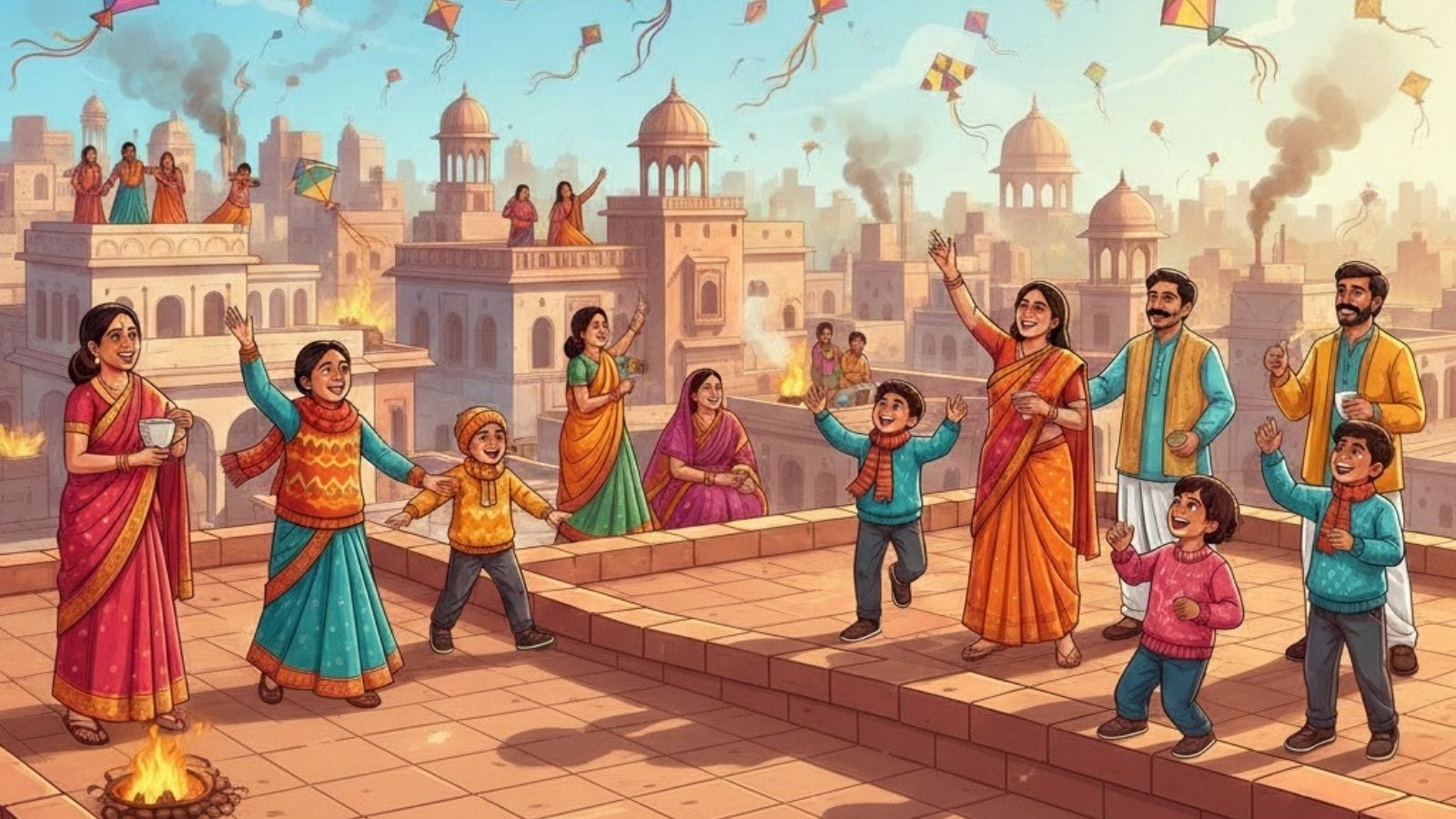
OpenAI released ChatGPT Images 2.0, a new image generator. The company claimed that this new model “can take on complex visual tasks and produce precise, immediately usable visuals, with sharper editing, richer layouts, and thinking-level intelligence.” Images created using ChatGPT Images 2.0. (X/@OpenAI) In a tweet, the company shared a “video made with ChatGPT Images”, and the pictures look incredibly realistic – to the point that some may find it hard to distinguish the AI-generated images from the real ones. How to use it? Here is a quick guide to accessing the new AI model, which OpenAI says is available to all ChatGPT and Codex users. 1. Visit ChatGPT Images 2.0 2. Click on the “Try in ChatGPT” option Also Read: 6 straightforward prompts to try on Google Ask Maps to improve your search results 3. A new page will open with several options that you can take inspiration from. They include several styles from headshots to comics to 3D avatars to anime and more. 4. You can click on a style, upload any image …